


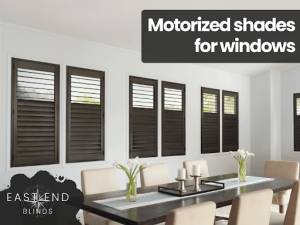
Motorized shades for windows offer effortless control at the touch of a button. You’ll enjoy convenience and modern design. Yet they can run into power, connectivity, and mechanical issues. You’ll find that basic troubleshooting helps restore smooth operation. This guide covers common problems and practical fixes.
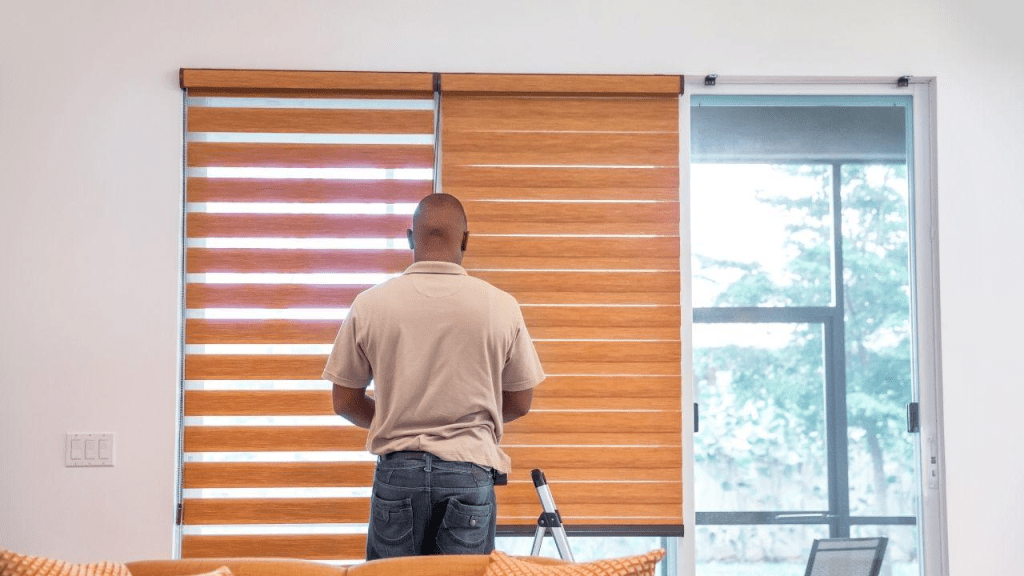
Motorized Shades for Windows: Common Issues & Fixes
Motorized shades for windows offer unmatched convenience and style. Yet they can face issues that interrupt smooth operation and daily comfort in your home.
Power Supply and Battery Issues
Power supply issues often arise when batteries run low or connections fail. Motorized shades may move sluggishly or stop responding. Dull indicator lights or LED flashes signal low power. Loose wiring or corroded contacts can cause intermittent power loss.
In hardwired systems, a tripped circuit breaker or blown fuse may cut power. Environmental factors like extreme temperatures can reduce battery life and performance. These faults lead to unpredictable shade operation and interrupted convenience.
To fix the battery issue, start by checking and replacing depleted batteries regularly. Inspect battery contacts for corrosion and clean them with a soft cloth and isopropyl alcohol. Ensure that hardwired connections are secure and breakers are reset.
For rechargeable systems, consider installing a solar charger or higher-capacity cells. Reset power modules by turning off the circuits, then back on. Proper maintenance restores smooth shade performance and prevents future power failures.
Remote Control and Connectivity Problems
Remote control issues often appear when shades fail to respond to commands. Signal loss can stem from low remote batteries or unpaired devices. RF-based systems may suffer interference from other wireless gadgets. IR models require a clear line of sight to the shades.
Damaged or loose remote components can further degrade signal strength. These faults can leave you pressing buttons without any shade movement.
To fix remote connectivity begin by replacing batteries with fresh, high-quality cells. Re-pair the remote following the manufacturer’s procedure, often by holding a pairing button near the motor. Ensure line of sight for IR systems or minimize obstructions for RF models.
Reset both remote and receiver by powering them off then on. Update firmware on smart hubs that control the shades. These steps often restore reliable remote operation.
Motor and Drive Mechanism Failures
Motor and drive mechanism failures occur when the internal motor stalls or grinds during operation. You might hear unusual noises like clicking or humming without movement. Excessive strain on the drive gear can wear out components over time.
Overloaded shades with heavy fabrics can exceed motor torque limits. Faulty internal wiring or worn brushes may also cause sudden stops. These problems interrupt smooth shade motion and can worsen if left unaddressed.
Begin troubleshooting motor issues by removing power and performing a manual reset if available. Check for obstructions in the drive tube and clear any debris. Lubricate moving parts with manufacturer-approved grease to reduce friction.
Test the motor by running it through a full cycle. If noise or stalling persists, consult a professional technician to inspect internal brushes or replace the motor. Regular upkeep prevents future drive failures.

Track Alignment and Obstructions
Track alignment and obstructions often lead to jerky or stalled shade movement. Debris like dust, pet hair, or small objects can accumulate in the guide rails. Misaligned brackets or loose mounting hardware allows the shade to rub against the frame. Uneven tension in the lift cords may cause the fabric to bulge or bind. These issues create resistance that strains the motor and reduces lifespan.
Inspect the tracks and rails for debris and vacuum or wipe them clean. Tighten loose screws and adjust brackets to ensure the track is square using a level. Realign the shade by loosening end caps, centering the fabric, and retightening for even tension. Check the lift cords for fraying and replace them if needed. Cycle the shade slowly to confirm smooth, unobstructed travel before regular use.
Signal Interference and Range Limitations
Signal interference and range limitations can disrupt control of motorized shades. Wireless systems operating on 2.4 GHz may conflict with routers, Bluetooth devices, and cordless phones. Metal window frames or thick walls can further attenuate the signal. Multiple wireless networks nearby may lead to dropped commands. You might find that some shades respond only when you’re very close.
Improve signal reliability by relocating your smart hub or remote closer to the shades. Switch unused wireless channels on your router to reduce congestion. Use signal extenders or dedicated repeaters for RF-based systems to strengthen coverage.
Remove or reposition metal obstacles between the controller and motor. Consult your product manual to adjust transmission power settings. These measures will restore consistent connectivity across your home.
Sensor Calibration and Limit Switch Errors
Sensor calibration and limit switch errors often manifest as shades stopping at incorrect heights. Limit switches define the upper and lower travel points for the motor. If these become miscalibrated, the shade may overrun the track or stop too soon.
Power interruptions can reset sensor settings to factory defaults. Mechanical wear in the switch assembly can degrade accuracy. These faults prevent precise positioning and can damage the shade fabric.
Reset limit switches by following the manufacturer’s calibration procedure, usually involving holding buttons to record new upper and lower limits. Perform a factory reset if simple recalibration fails and then set travel points again.
Inspect the limit switch mechanism for wear and replace it if the click response feels mushy. Ensure the motor’s housing is free from debris that can affect the switch. Proper calibration assures smooth, accurate shade operation and longevity.
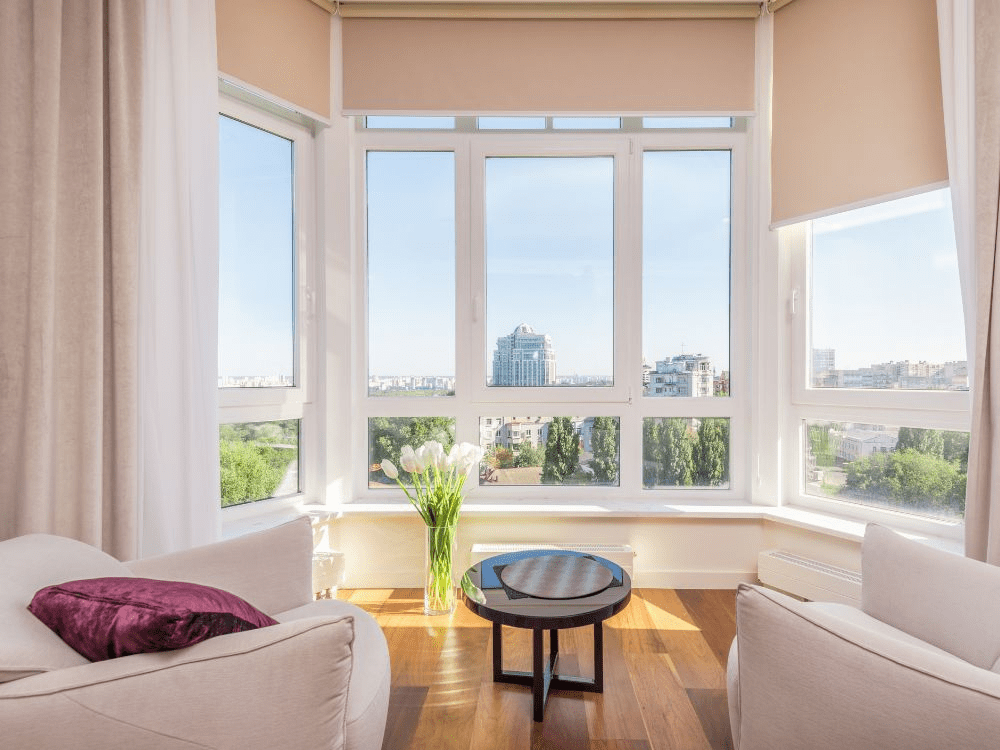
Effortless Elegance with Motorized Shades
Motorized shades deliver effortless control and modern elegance to your home. You gain precise light and privacy management with a simple tap or voice command. Advanced features like scheduling and remote access make daily routines smoother. Staying on top of routine maintenance and basic troubleshooting ensures lasting performance. Embracing these smart window treatments enhances both comfort and energy efficiency in every room.
Browse East End Blinds’ Motorized shades for windows solutions and other window treatments. Explore our full range online or visit our showroom to see samples in person. Our experts are ready to guide you through customization, measurement, and professional installation. Contact us today!